Developing with nRF Connect in VSCode

Tim de Laat
I-IKIGAI Core TeamStatus: First draft, ready for review
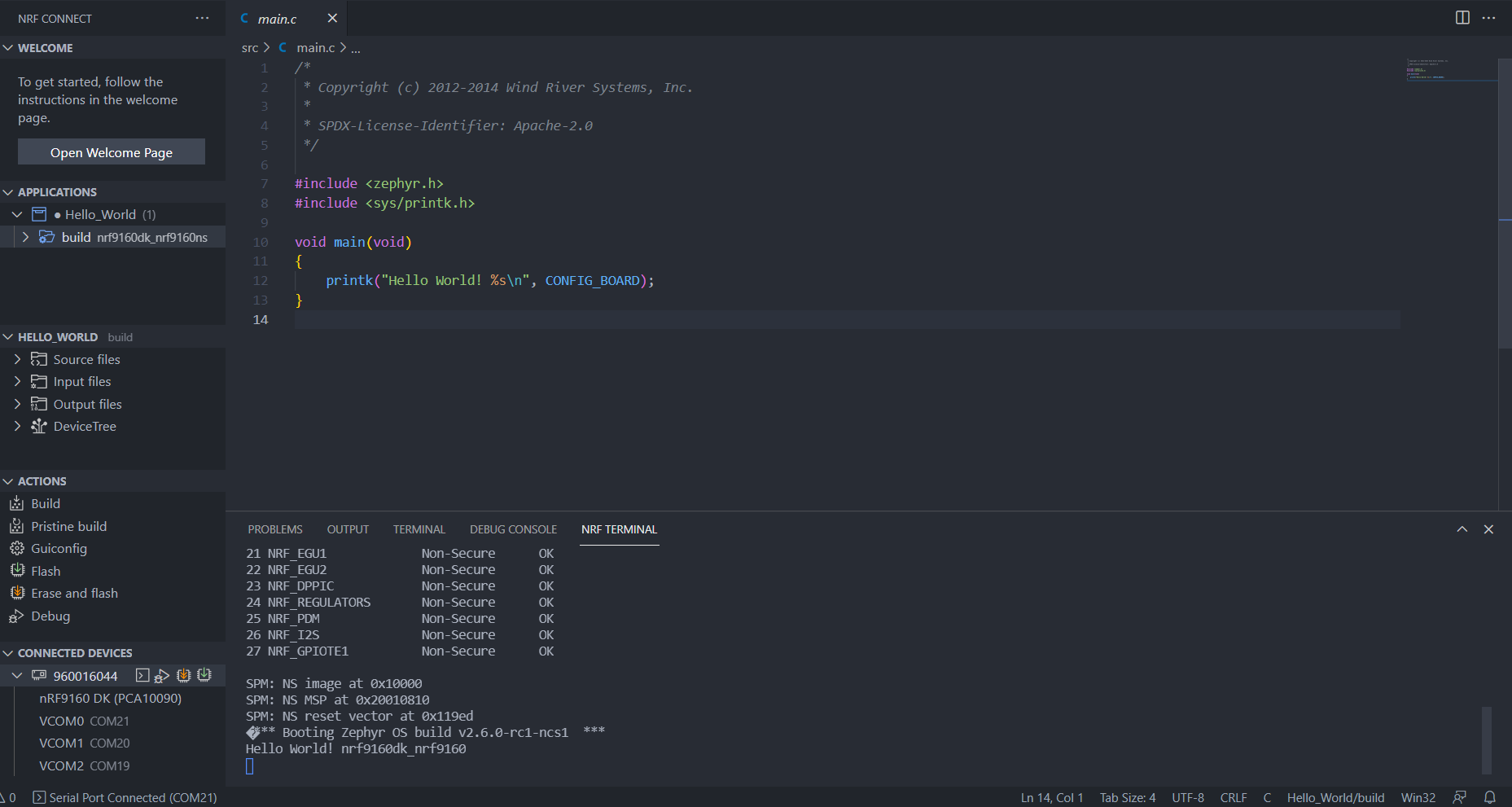
This week Nordic Semiconductors released nRF Connect SDK v1.7.0. One of the items of items this release that caught my attention was building nRF Connect application with their VS Code extensions.
I am a big fan of VS Code and I used it for all my coding work, including embedded development with nRF Connect SDK. Before, I installed the SDK manually and in c_cpp_prorperties.json from the C/C++ VS Code extension I included all the files from Zephyr, NCS and the GNU C Code. For the kconfig .conf and devictree .overlay intellisense I used "Kconfig for the Zephyr Project" and "DeviceTree for the Zephyr Project" by Trond Snekvik. Building and flashing I did in CLI using West which just worked fine but it takes quite a bit of time to set this up and it was often that I had problems with the VS Code intellisense where VS Code gave false error squiggles. Also, I had
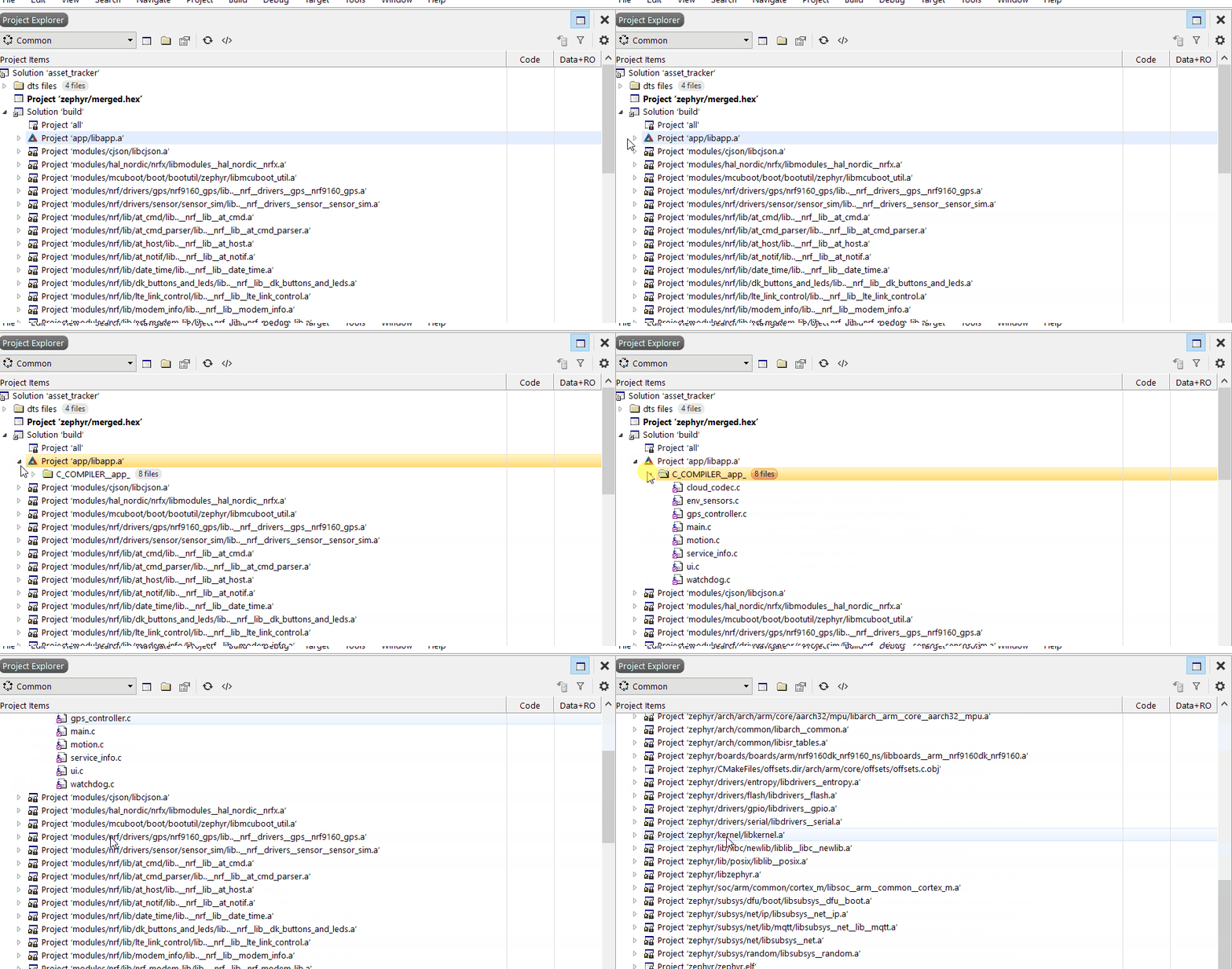
Nordiccommended to use Segger Embedded Studio (SES) Nordic edition, but I never was a big fan of the IDE. When I was working with it, I found it annoying to modify devicetree and project config files then it was with just a text editor. Besides that, one thing that bothered me is that the the source files are placed next to the the generated/project files and only the .c files are included (see gif below) which creates a messy workspace. But other features like a solid intellisense and buttons to build and flash your code were nice features.
I also had tried PlatformIO. I liked the project, and I loved that they had support for Zephyr and nRF52 devices. However when Zephyr/NCS releases a new version it takes quite a long time for PlatformIO for PlatformIO to also update their version and they have no support for the nRF9160 at this moment which was a major deal-breaker (which I was using at the time).
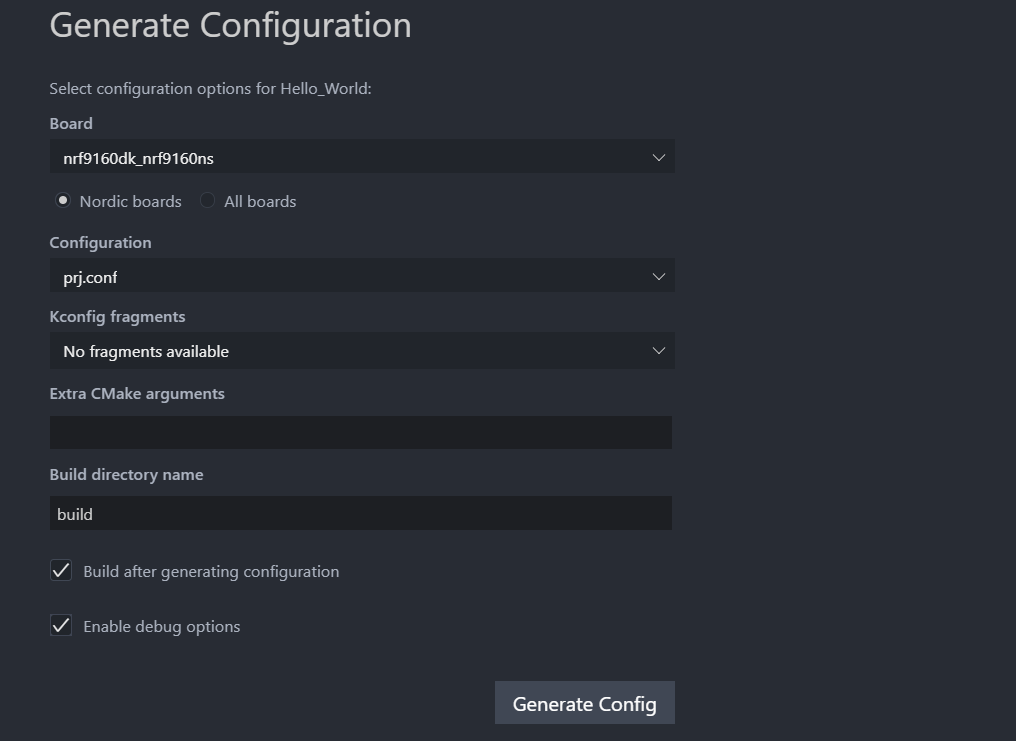
Therefore, when I saw that Nordic has released a VS Code extension for building I got very excited. This extension is basically the best of all worlds. Using Nordic's Toolchain Manager it is easy to install NCS on Mac and Windows. The extensions make it very easy to setup the project, configure the intellisense, and build and flash the project to a device with dedicated buttons. The integrated debugger and serial monitor are the cherry on top. Getting started with NCS development has never been easier.